
This article is for general information only. It has been checked against the sources listed below but has not been reviewed by a medical professional.
After a baby or child health appointment, you may leave with several pieces of information: instructions from the clinician, a referral, a test request, a result to discuss later, a future booking or a document to keep. A simple follow-up list can help you record what was actually agreed without trying to interpret it yourself.
This checklist is deliberately administrative. Use only the instructions and dates provided by the clinician or service. Do not use it to decide what a result means, set your own medical timing or change professional guidance.
A quick after-appointment checklist
- Record the appointment date, the service and the health professional you saw.
- Copy the clinician’s instructions as written or explained.
- List each referral, test, result or future booking separately.
- Record who is responsible for the next step: you, the clinic, the referrer or another service.
- Add a date only when the clinician or service gave you one.
- Keep request forms, letters, reports and booking details with the matching item.
- Write down anything you need the clinician or service to clarify.
1. Start with the clinician-provided plan
Begin with the notes, printed instructions, referral forms or appointment summary you were given. Keep the wording close to the original. If a medical term or instruction is unclear, mark it as a question and contact the clinician or service instead of guessing.
Children’s Health Queensland notes that families can ask for a copy of an outpatient letter and that its outpatient follow-up correspondence may summarise what was discussed and the next steps. Processes differ between services, so use the information from your own child’s service as the source of truth.
For instructions
- What did the clinician ask you to do?
- Was a specific date, sequence or condition written down?
- Who should you contact if the instruction is unclear?
For medicine, diet, test preparation or other clinical instructions, record only what the clinician or pharmacist provided. Do not add, stop or change anything based on this checklist.
2. Separate referrals, tests, results and bookings
One long note is easy to lose track of. Create a separate item for each action so you can see its status without mixing different services or dates.
Referral item
- Referral destination or service name
- Referring clinician
- Date the referral was provided or sent, if known
- Booking or contact instructions supplied by the service
- Current status, such as “waiting for service contact” or “booked”
Test or result item
- Name of the test as written on the request or paperwork
- Where the test is to be completed
- Preparation instructions provided by the clinician or collection service
- Who ordered the test
- How the clinician said results would be provided or discussed
- Any follow-up date the clinician actually gave you
Healthdirect advises following the doctor’s preparation instructions for pathology tests and says the doctor who ordered the test is the best person to explain what the results mean in context. Store the result or notification, but leave interpretation to that clinician.
Future booking item
- Service and appointment type
- Date and time, if already booked
- Who will arrange it, based on the clinician’s instructions
- Documents or results the service asked you to bring
3. Use clear status labels
Keep status words factual. Useful examples include:
- Not started
- Waiting for service contact
- Booked
- Completed — result not yet discussed
- Discussed with clinician
- Clarification requested
Avoid labels that interpret the result or imply that no further care is needed. If you receive a result before speaking with the ordering clinician, record that it was received and keep the discussion step open.
4. If the next step is unclear
Do not invent a follow-up timeframe. Re-read the instructions you were given, then contact the clinician, clinic, referral service or test provider using their supplied details. Ask what the next administrative step is and who is expected to arrange it.
If a letter, result or appointment notice does not make sense, ask the relevant clinician or service to explain it. This checklist cannot determine urgency or whether a result is reassuring or concerning.
5. Keep the record easy to review
- Put the appointment date on every related note.
- Keep confirmed instructions separate from your own questions.
- Attach or store the original document rather than relying only on a summary.
- Update the status after a booking, test or clinician discussion.
- Keep older information instead of silently replacing it when a plan changes.
Take the organised list and relevant documents to the next appointment if the service asks for them or you want to clarify the plan.
Using Nucentra for follow-up notes
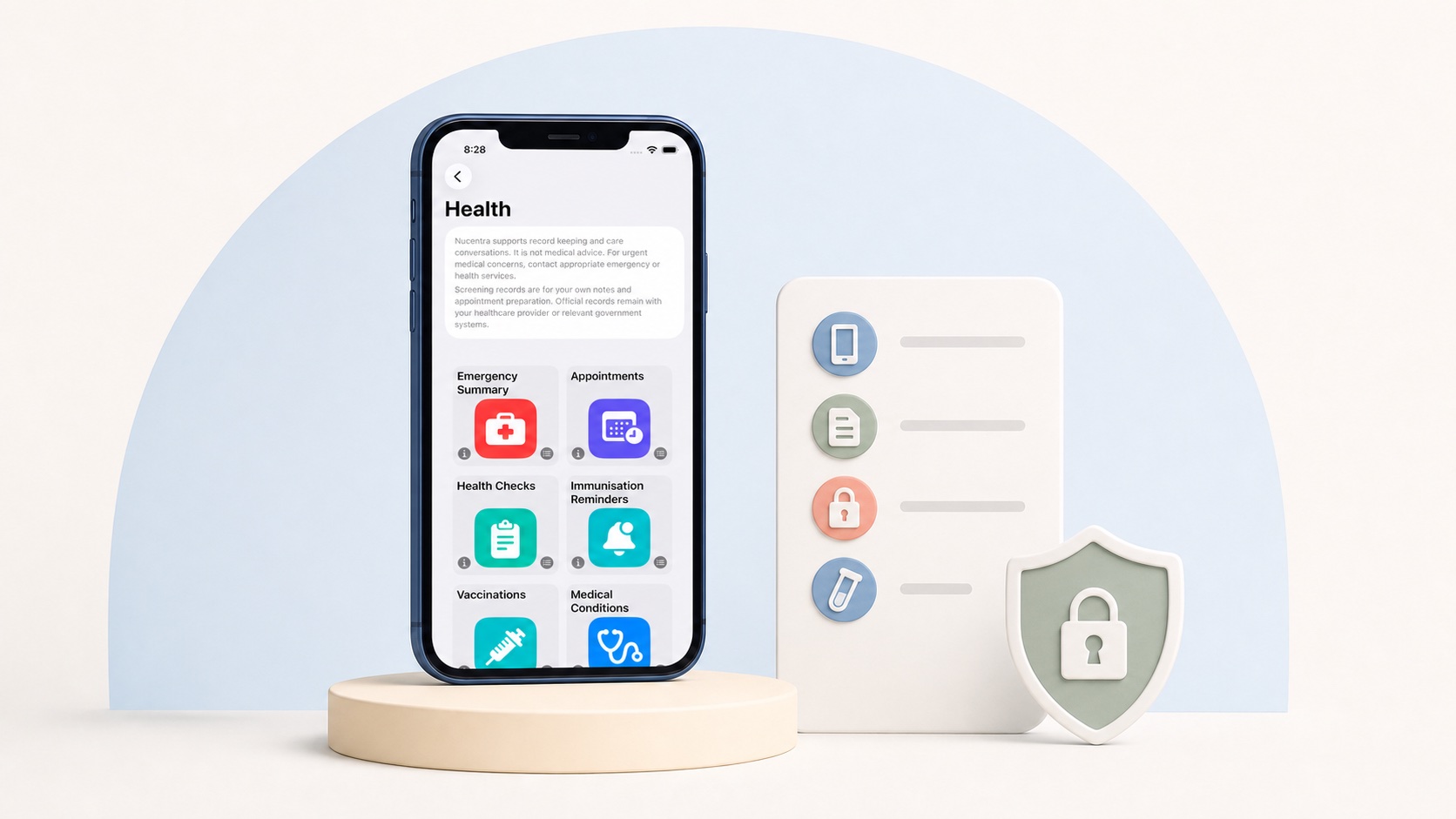
The current version of Nucentra can keep appointments, notes and documents organised locally on the iPhone or iPad where the app is used. It does not currently provide active cloud record sync, family sharing, clinician access or a Nuco Tech backend account.
Nucentra is a record-keeping companion. It does not interpret results, monitor a child’s health, provide medical advice or contact a clinician for you. Read the Nucentra Privacy Policy for current storage and privacy details, or visit Nuco Tech Support for product help. For downloads, visit Nucentra on the App Store.
Professional care and emergency boundary
For routine questions about instructions, referrals, bookings or results, contact the clinician or service responsible. If there is a serious and urgent medical emergency in Australia, call triple zero (000). Nucentra and this checklist do not provide emergency support.
Sources
- Children’s Health Queensland — Going to an appointment (last updated May 2025; accessed 2 August 2026).
- Healthdirect — Understanding pathology tests (last reviewed March 2025; accessed 2 August 2026).
- Healthdirect — Calling triple zero (000) (last reviewed August 2025; accessed 2 August 2026).
- Nuco Tech — Nucentra (date not stated; accessed 2 August 2026).
- Nuco Tech — Nucentra Privacy Policy (last updated 16 July 2026; accessed 2 August 2026).
This article uses Australian health sources. If you live outside Australia, check advice from your local health authority or healthcare professional.