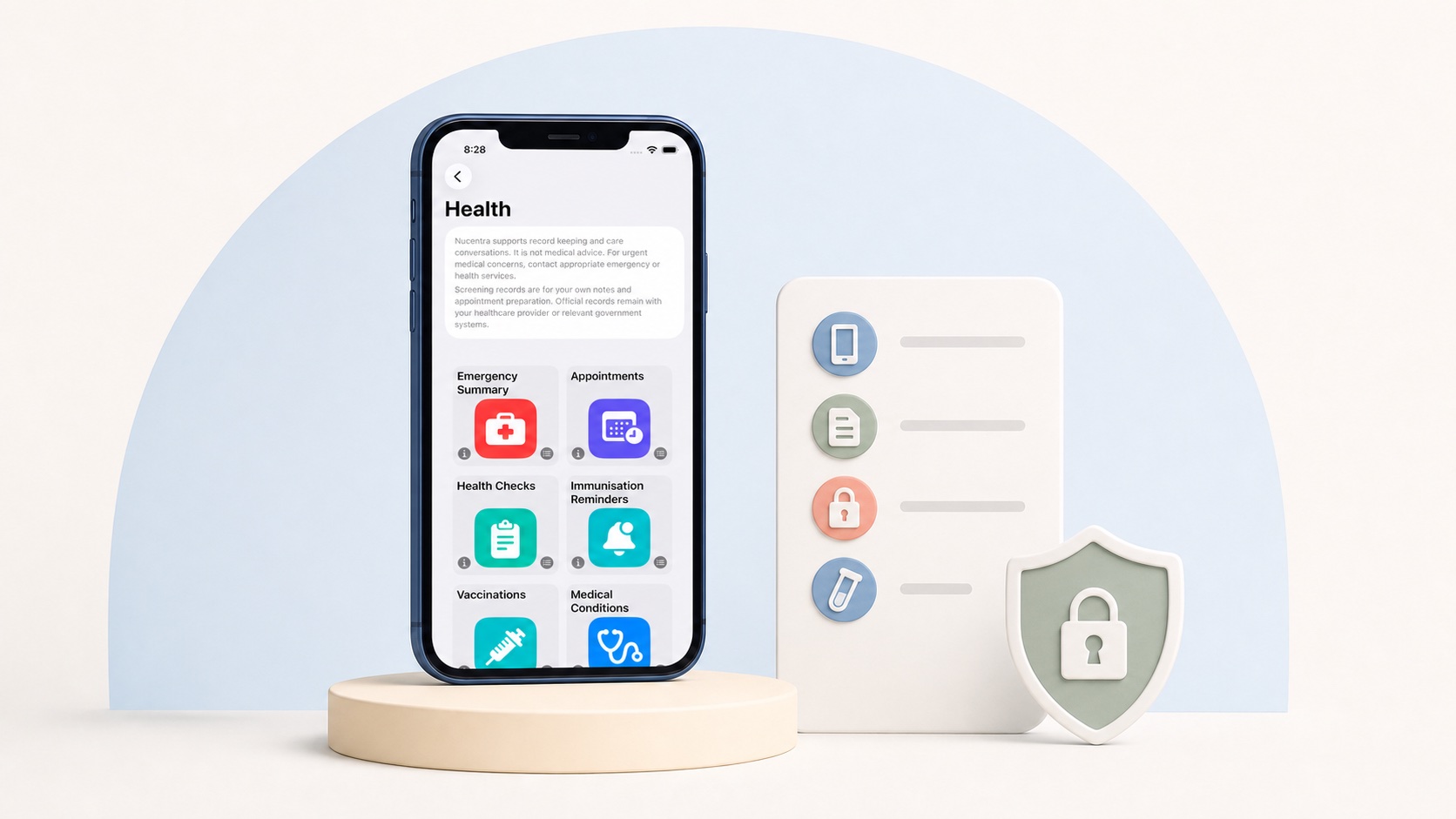

A local-first family health record app is designed to make the device an important place for creating, storing and using records. That can give a family more direct access to its information than an app that depends entirely on a remote service. However, the label “local-first” does not, by itself, prove exactly where every copy is stored or what happens when data is backed up, exported, synchronised or deleted.
That distinction matters when the records concern a child’s health and daily care. Parents may store appointment notes, symptoms, medicines, measurements, documents and other sensitive information in one place. Before choosing an app, it is worth looking beyond a broad privacy claim and checking how the product handles each type of information.
This guide explains local-first as a design approach, not a guarantee. It also gives Australian parents and trusted caregivers a practical way to compare storage, network movement, backups, exports, restoration and deletion.
What “Local-First” Means for Family Health Records
There is no single feature checklist that every product must satisfy before using the term “local-first”. For this guide, it means the app is designed so that a useful copy of the family’s records is held and used on the person’s device, rather than making ordinary access depend entirely on a vendor-operated database.
This is an architectural choice, not simply a privacy switch. It affects where an entry is first saved, what the app can display when connectivity is poor and how information may later move to another device or service. Two apps can both describe themselves as local-first while making different decisions about synchronisation, account services, backups, diagnostics and exports.
It is therefore better to treat “local-first” as the start of an assessment. The useful question is not only whether data is local, but which data is local, what other copies may exist and which controls the family can actually use.
Where Records Are Stored and What May Move
Start with the active record: the information the app opens and changes during normal use. Ask whether that record is stored on the phone or tablet, on a remote server, or in both places. Then consider secondary copies separately.
Secondary copies may be created for different reasons. A device operating system may include eligible app data in a backup. A user may create an export and save it to Files, email or another service. An app may send selected information for synchronisation, account management, analytics, crash reporting or customer support. These are different data flows, even when they relate to the same family record.
The Office of the Australian Information Commissioner (OAIC) recommends that mobile-app privacy information explain what personal information is collected and stored, how it is collected, where it is stored, the purposes for handling it and how a person can access or correct it. A clear product should let a parent identify those flows without assuming that “stored locally” means “never transmitted”.
What Local-First Does Not Guarantee
Local-first design can reduce dependence on a remote database, but the label alone does not guarantee privacy, security or continuous access. Those outcomes also depend on the app’s implementation, the device, the operating-system settings and the family’s own practices.
In particular, local-first does not automatically prove that:
the app works fully without an internet connection;
no information ever leaves the device;
all stored files, backups and exports use the same encryption controls;
another household device receives a current copy;
a deleted record disappears from every backup, export or service; or
the family can restore its records after a device is lost or replaced.
Security also involves more than storage location. The OAIC’s security guidance asks organisations to consider the full information lifecycle, including access controls, encryption where appropriate, backups, testing, retention and destruction or de-identification. Parents do not need to audit an app’s code, but they can look for specific, understandable explanations of these controls.
Backups Depend on the App and Device Setup
A backup is a separate copy intended to help recover information after loss, damage or replacement. It is not the same as the live record, and it is not necessarily the same as synchronisation between devices.
Apple supports both iCloud backups and computer backups for iPhone and iPad. The contents and protections differ. Apple also lets users review which apps are included in an iCloud backup, while encrypted computer backups are an option that must be enabled and remembered by the user. These platform capabilities do not prove that a particular family health app is included, excluded or restorable in a given setup.
Before relying on a backup, check the app’s current documentation and the settings on the actual device. Ask whether the app’s records are eligible for the chosen backup method, whether attachments are included, what is needed to restore the data and whether the recovery process has been tested. If the answer is unclear, do not assume that seeing records on the device means a recoverable copy exists elsewhere.
Exports, Restoration and Deletion Are Different Controls
An export can support portability by giving the family a copy in a stated format. That is useful, but an exported PDF, spreadsheet, archive or group of files is not automatically a restorable app backup. Check whether the app can import the export again, whether relationships and attachments are preserved, and whether the format remains readable without the original app.
Restoration is a separate capability. It should explain what event it is designed for, which source it restores from and what may be missing afterwards. A product that can export information may still require manual re-entry after a device change.
Deletion also has boundaries. Deleting one entry, clearing all app data, uninstalling the app and deleting an account may produce different results. Copies may remain in user-created exports, device backups or services described in the privacy information. A trustworthy explanation should identify what the deletion control covers, what it does not cover and whether any further action is required.
Questions to Ask Before Choosing a Family Health App
Use the following questions to turn a broad local-first or privacy claim into a practical comparison:
Primary storage: Where is the active family record stored, and can it be used when connectivity is unavailable?
Network movement: What information leaves the device, for what purpose, and which organisation receives it?
Other services: Does the app use account, synchronisation, analytics, crash-reporting or support services, and what information can they receive?
Device backup: Can the app’s data be included in iCloud or computer backups, and which settings affect that behaviour?
Export: What formats are available, are attachments included, and can the files be opened without the app?
Restoration: Is there a documented way to restore the complete record to a replacement device?
Deletion: Can one profile or record be removed, is there a whole-app deletion control, and what happens to backups, exports and other copies?
Transparency: Does the privacy information answer these questions in plain language and provide a current support contact?
Keep the answers for the products you are comparing. Specific, testable explanations are more useful than labels such as “private”, “secure” or “local” on their own. Recheck the documentation when the app, operating system or family setup changes.
Key Takeaways for Privacy-Conscious Parents
Local-first describes a design direction; it is not proof that all information stays on one device.
Separate the active record from synchronised copies, device backups, user exports and service data.
Backup, export and restoration solve different problems and should be checked independently.
Ask what each deletion control covers rather than assuming it removes every copy.
Prefer clear, current and specific product documentation over general privacy promises.
Sources and verification
The sources below provide general Australian privacy guidance and Apple platform guidance. They do not verify the implementation of any particular family health record app.
Office of the Australian Information Commissioner — Mobile privacy: A better practice guide for mobile app developers (published 5 September 2014; accessed 2 August 2026).
Office of the Australian Information Commissioner — Guide to securing personal information (published 5 June 2018; page notes that the guide is being updated; accessed 2 August 2026).
Apple Support — Backup methods for iPhone, iPad and iPod touch (published 30 September 2024; accessed 2 August 2026).
Apple Support — About encrypted backups on your iPhone, iPad or iPod touch (published 8 May 2026; accessed 2 August 2026).