
This article is for general information only. It has been checked against the sources listed below but has not been reviewed by a medical professional.
A child health appointment can produce several separate records: a visit summary, a referral, a test request, written instructions, contact details or a document that arrives later. Saving the original information can make it easier to find what the clinician or service actually provided.
This checklist is about retaining records, not managing clinical follow-up. It does not explain results, set timeframes or tell you what care your child needs. Keep the clinician’s wording and use the service that provided the information when something needs clarification.
Quick records checklist
- Visit summary, outpatient letter or clinician-provided notes
- Referral letters, forms and service contact details
- Test requests and the clinician-provided results process
- Copies of reports or results you receive
- Written care, medicine, preparation or home instructions supplied by the clinician or pharmacist
- Future appointment details that have already been provided
- Your own questions, kept clearly separate from clinical instructions
Save the original before making a summary
Start with the document, message or note you were given. A short personal summary can help you remember where something belongs, but it should not replace the original. Record the appointment date, service and clinician name so that each item keeps its context.
The Australian Commission on Safety and Quality in Health Care encourages people to ask questions, use reliable health information and understand privacy and access to medical records. Its Ask Share Know resource also provides a summary sheet for recording a discussion with a health professional. These resources support keeping clear notes without turning those notes into your own medical interpretation.
1. Visit notes and summaries
Keep any appointment summary, outpatient letter, consultation note or other written record supplied by the service. If you write your own note, label it as a parent note and capture only what you heard or were told.
- Appointment date and service
- Clinician name or role, if provided
- Document title and date
- Any words or instructions you need the service to explain
2. Referrals and request forms
Save each referral or request form as a separate item. Keep the complete document rather than copying only the service name. A referral may contain identifiers, the referring clinician’s details and information intended for the receiving service.
- Referral letter or form
- Name and contact details of the destination service
- Booking instructions supplied with the referral
- Supporting reports or documents the service asked you to provide
3. Tests and results-process information
Keep the test request, preparation instructions and any report or result you later receive. Also retain the process the clinician gave you for receiving or discussing results. This could be a note about who will contact you, which service will provide the result or how a discussion will occur.
Do not add your own interpretation, urgency label or expected timing. If the process is missing or unclear, ask the ordering clinician, clinic or test provider. A result should be discussed with an appropriate health professional who can explain it in the child’s clinical context.
4. Written instructions and supplied documents
Keep instructions exactly as provided. Depending on the appointment, these might include a care plan, medicine information, preparation instructions, a discharge summary, a fact sheet or contact information. Do not rewrite an instruction in a way that changes its meaning.
- Document name and issuing service
- Date supplied or updated
- Pages, attachments and links included with it
- A note that an older version has been superseded, if the service gives you an updated copy
5. Appointment and contact details
Save confirmed appointment notices and the contact details supplied by the service. Keep dates only when they have been provided by the clinician or service. This article does not suggest when an appointment should occur or when a result should be available.
Use simple, searchable file names
A consistent name can make records easier to find. One neutral format is:
Year-month-day (YYYY-MM-DD) — service — document type
Examples include “2026-07-16 — child health clinic — visit summary” and “2026-07-16 — pathology provider — test request”. Avoid putting an interpretation such as “normal”, “urgent” or “cleared” in a file name unless that exact wording appears in a clinician-provided record and you need it for identification.
If a record is missing
Contact the health service that holds the information and ask about its access process. The Office of the Australian Information Commissioner says Australian privacy law gives people a general right to request access to health information held by a health service provider, although public-hospital records may be covered by state or territory law and exceptions can apply. The provider may offer access in different forms and may need to verify authority for a child’s information.
My Health Record may also contain documents uploaded by healthcare providers, including e-Referrals, pathology reports, diagnostic imaging reports and discharge summaries. Availability can vary, so treat it as one place to check rather than assuming every appointment document will appear there.
Using Nucentra for appointment records
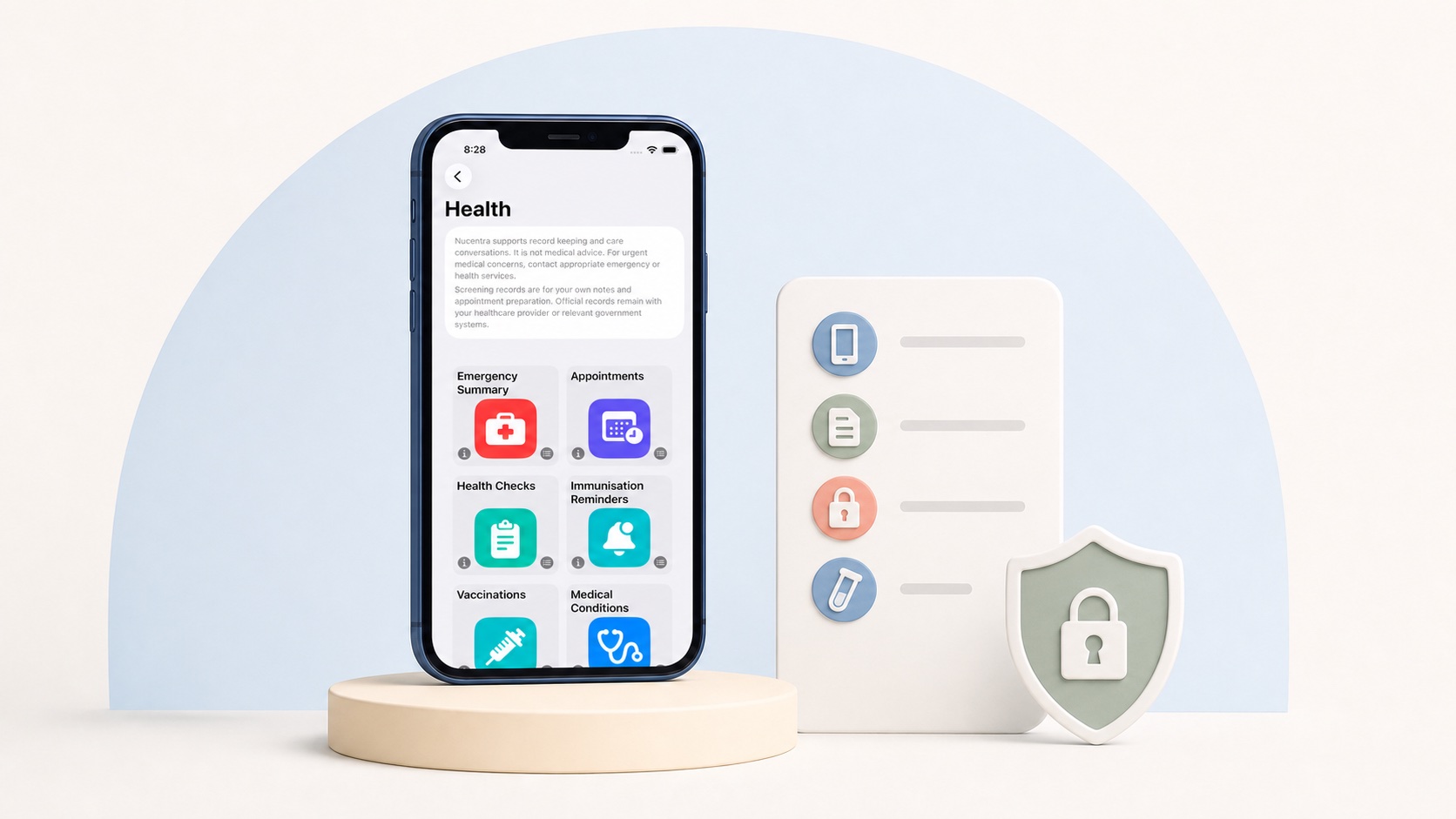
The current version of Nucentra can keep appointments, notes and documents organised locally on the iPhone or iPad where the app is used. It does not currently provide active cloud record sync, family sharing, clinician access or a Nuco Tech backend account.
Nucentra is a record-keeping companion. It does not interpret results, provide medical advice or replace official records. Read the Nucentra Privacy Policy for current storage and privacy details, or visit Nuco Tech Support for product help. For downloads, visit Nucentra on the App Store.
If Nucentra is already installed on your iPhone or iPad, you can use its local appointments, notes and documents features to keep clinician-provided records together.
Professional care and emergency boundary
For questions about a document, instruction or result, contact the clinician or service responsible. If there is a medical emergency in Australia, call triple zero (000). Nucentra and this checklist do not provide emergency support.
Sources
- Australian Commission on Safety and Quality in Health Care — Tips to help you get safe care (last updated 29 April 2026; accessed 2 August 2026).
- Australian Commission on Safety and Quality in Health Care — Ask Share Know (last updated 29 April 2026; accessed 2 August 2026).
- Office of the Australian Information Commissioner — Access your health information (date not stated; accessed 2 August 2026).
- Australian Digital Health Agency — What’s inside your My Health Record (last updated 15 June 2026; accessed 2 August 2026).
- Healthdirect — Understanding pathology tests (last reviewed March 2025; accessed 2 August 2026).
- Healthdirect — Calling triple zero (000) (last reviewed August 2025; accessed 2 August 2026).
- Nuco Tech — Nucentra (date not stated; accessed 2 August 2026).
- Nuco Tech — Nucentra Privacy Policy (last updated 16 July 2026; accessed 2 August 2026).
This article uses Australian health sources. If you live outside Australia, check advice from your local health authority or healthcare professional.