
This article is for general information only. It has been checked against the sources listed below but has not been reviewed by a medical professional.
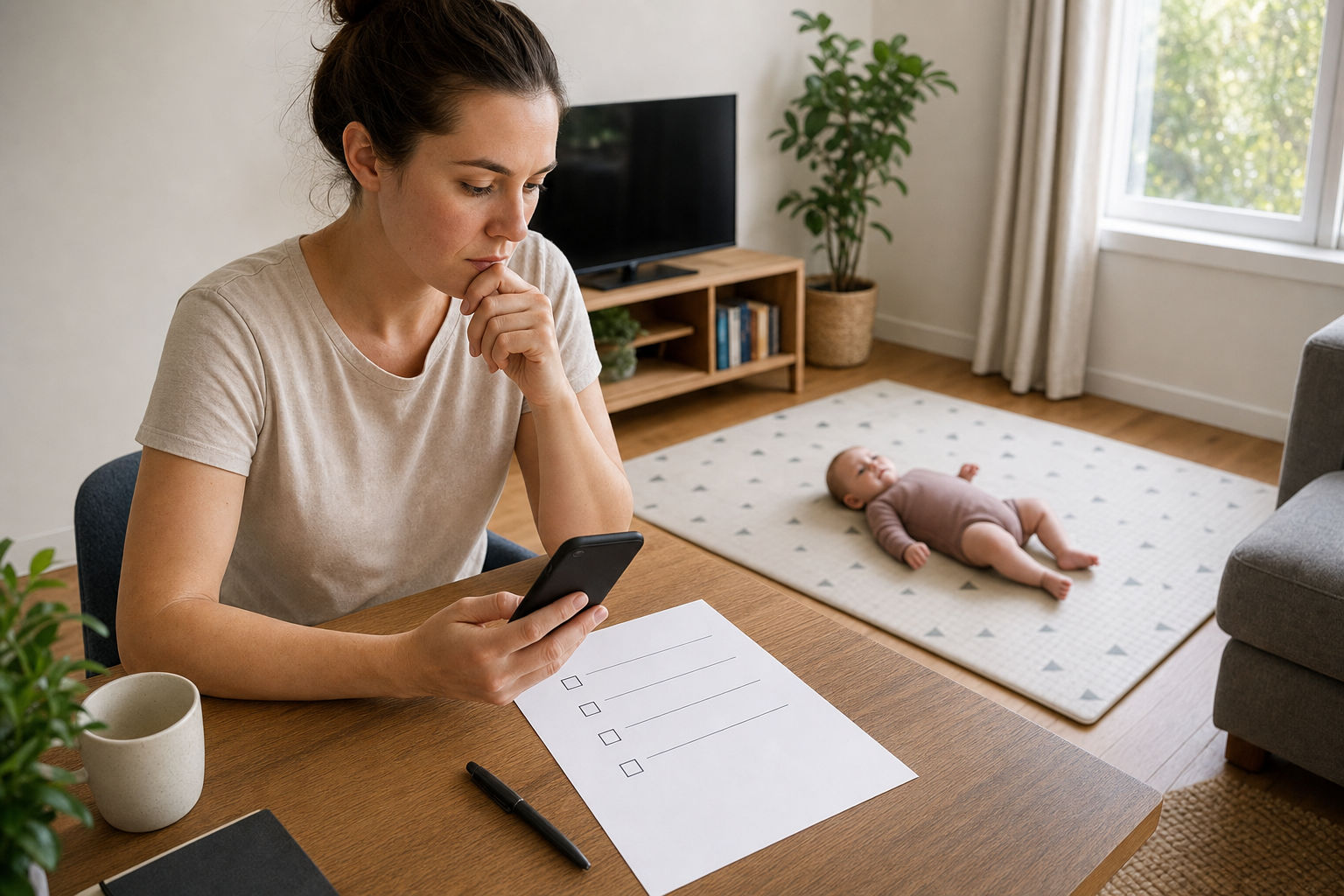
The first few weeks with a new baby can bring a small stack of books, forms, letters and notes. A simple filing setup can make the first appointments easier to prepare for without turning family life into a tracking project.
This guide is only about organising records, documents and questions you already have. It does not tell you which care your baby needs, when to book an appointment, or how to interpret health information. Follow the instructions from your hospital, midwife, child health nurse, general practitioner (GP) or other health service.
Start with one home for the originals
Choose one easy-to-reach place for paper originals: a labelled folder, document wallet or small box. The aim is not to build a complete medical file. It is simply to stop the papers you already have from being scattered between bags, benches and email inboxes.
You might divide that folder into a few broad sections:
- infant health record book
- hospital or birth-service paperwork
- appointment and referral letters
- reports or results already supplied to you
- administrative forms and identification details
- your own questions and appointment notes
Some sections may stay empty. That is fine. Keep only what you already have or what your service has asked you to bring.
Put the infant health record where you will see it
In Australia, the newborn information pack generally includes an infant health record. Its name and colour vary by state or territory. Pregnancy, Birth and Baby explains what the infant health record is and advises taking it to your baby’s appointments.
Keep the book with the papers you expect to take, or place a reminder at the front of the folder if you prefer to store the book separately. It is the official parent-held record; a personal filing system or app is an optional companion, not a replacement.
Make one appointment page
A single page can hold the practical details for the next visit. Copy only what is already in the booking or referral information:
- service or clinic name
- date, time and location
- contact details shown on the letter or message
- booking or reference number, if provided
- documents the service has specifically asked you to bring
- the name of the person who made the booking, if useful
Check the actual appointment letter or message before you leave. Requirements differ between services. For example, Children’s Health Queensland lists documents for its outpatient appointments, including the appointment letter and relevant reports. Use your own service’s instructions rather than treating another clinic’s list as universal.
Keep questions separate from observations
Parents often think of questions at inconvenient times. Give them one place: a note on your phone, a card in the folder or a page in the infant health record if that suits you. Write the question in your own words without trying to diagnose or interpret anything.
Useful administrative prompts include:
- What would I like explained in plain language?
- Which form, letter or result am I asking about?
- Who should I contact if I have a routine question after the visit?
- Which documents should I keep or bring next time?
- Where will any follow-up information be sent?
If you want help structuring a list, Healthdirect’s Question Builder is designed to help people prepare questions for a medical appointment. You can also simply bring your own short list. There is no need to make it perfect.
Add digital copies only if they help
A photo or scan can be useful for finding a letter or checking a detail while the original stays in the folder. Use clear file names that describe the document without adding a medical conclusion, such as:
2026-07-appointment-letter2026-07-hospital-discharge-paperworkquestions-for-child-health-nurse
A date-first name helps files sort in order. If a document contains several dates, use the date the document was issued and keep the original wording in its title. Avoid renaming a document in a way that changes what it says.
A five-minute pre-appointment check
Before leaving, you could check:
- the appointment details against the latest letter or message
- the infant health record is with the papers you plan to take
- any specifically requested forms or reports are included
- your short question list is easy to find
- you know which service contact details are on the booking information
If something is missing or unclear, contact the service that arranged the appointment. This checklist does not replace its instructions.
Using Nucentra as an optional local companion
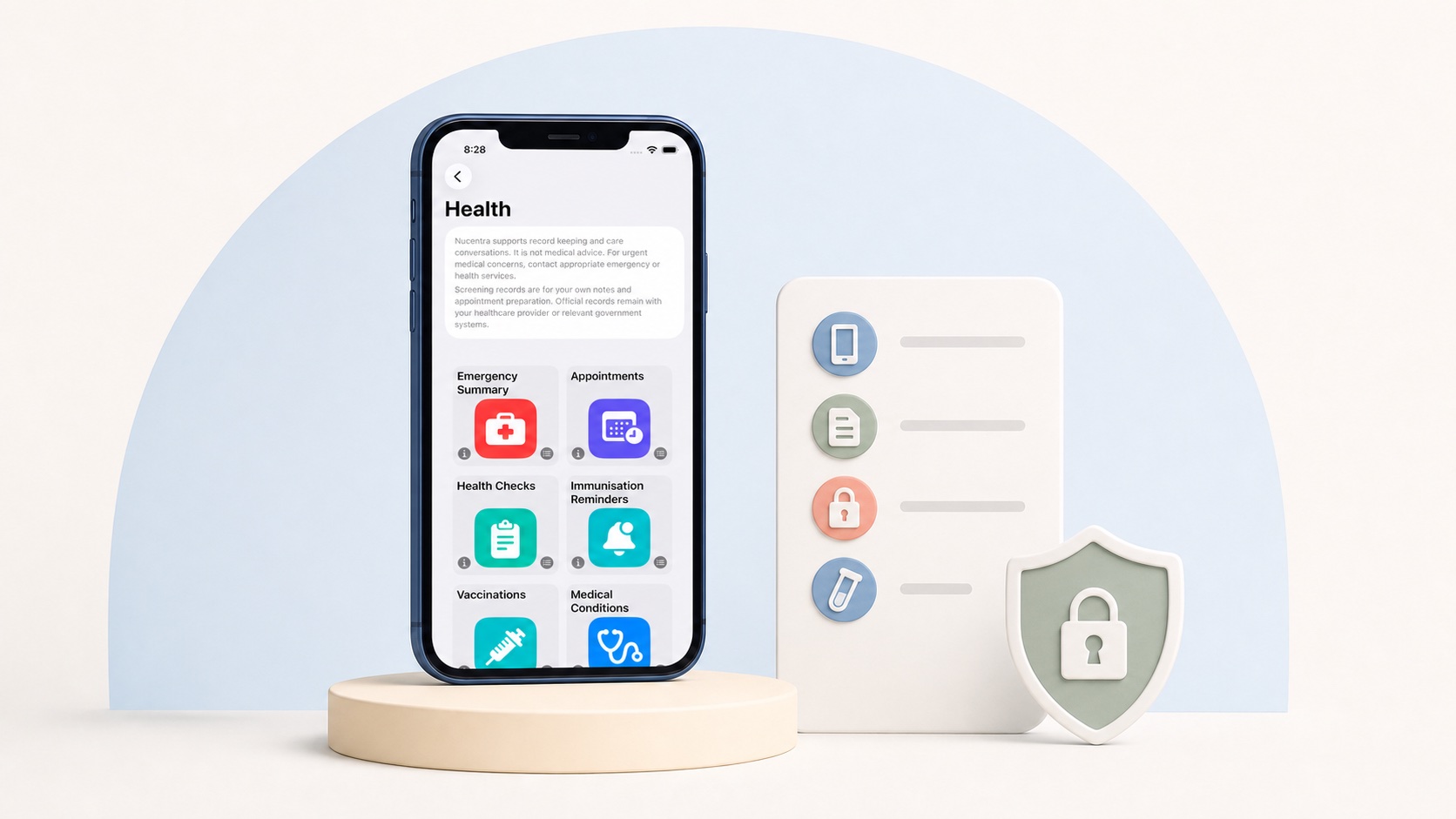
If you already use Nucentra, its current iPhone and iPad version can be used as an optional place for parent-entered appointment details, notes and documents. Current app records are kept locally on the iPhone or iPad where Nucentra is used.
Nucentra does not currently provide active cloud record sync, family sharing, clinician access, artificial intelligence (AI) analysis or cross-platform access. It does not replace your baby’s infant health record, a health service’s records or professional care.
Learn how Nucentra works today, read the current Nucentra Privacy Policy, or visit Nuco Tech Support for product help. For downloads, visit Nucentra on the App Store.
Sources
- Pregnancy, Birth and Baby — Infant health record (last reviewed July 2025; accessed 2 August 2026).
- Children’s Health Queensland — Going to an appointment (last updated May 2025; accessed 2 August 2026).
- Healthdirect — Question Builder (date not stated; accessed 2 August 2026).
- Nuco Tech — Nucentra (date not stated; accessed 2 August 2026).
- Nuco Tech — Nucentra Privacy Policy (last updated 16 July 2026; accessed 2 August 2026).
This article uses Australian health sources. If you live outside Australia, check advice from your local health authority or healthcare professional.